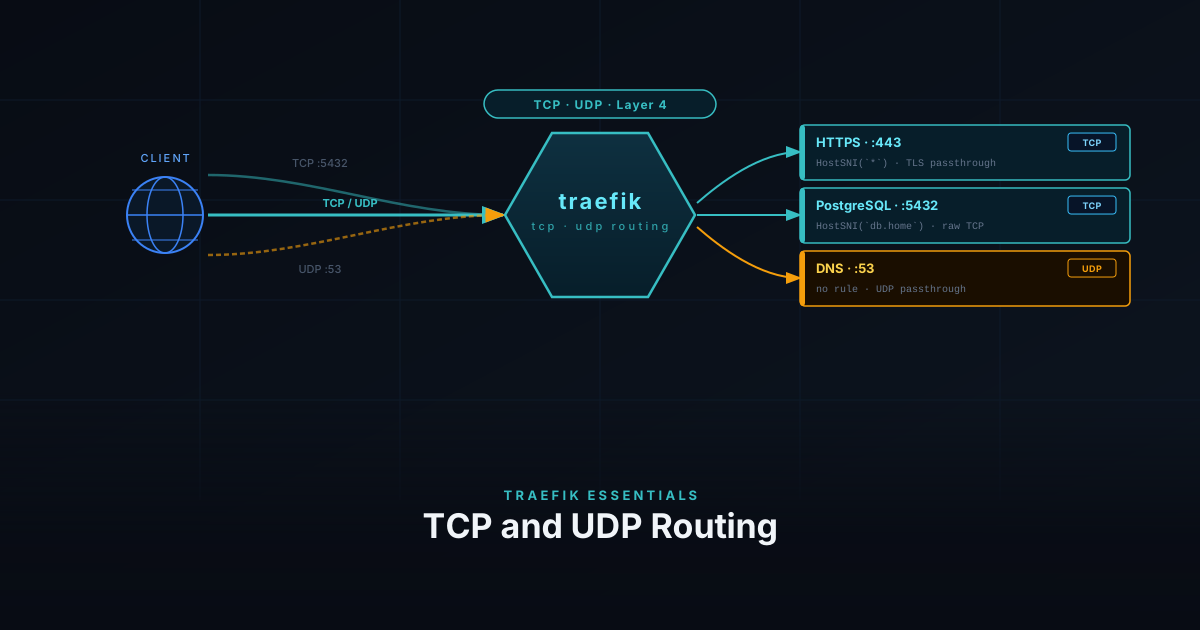
Traefik Essentials: TCP and UDP Routing
Traefik isn't just for HTTP — it can route raw TCP and UDP traffic too. This guide covers how to expose non-HTTP services like databases, game servers, and DNS through Traefik.
5 min
traefik

A practical series covering Traefik as a reverse proxy for self-hosted services. Starts with the initial Docker-based setup and works through bare metal deployment, configuring middlewares for auth and redirects, securing the dashboard, and wiring up monitoring with Prometheus and Loki. Each post builds on the previous one.
Traefik isn't just for HTTP — it can route raw TCP and UDP traffic too. This guide covers how to expose non-HTTP services like databases, game servers, and DNS through Traefik.
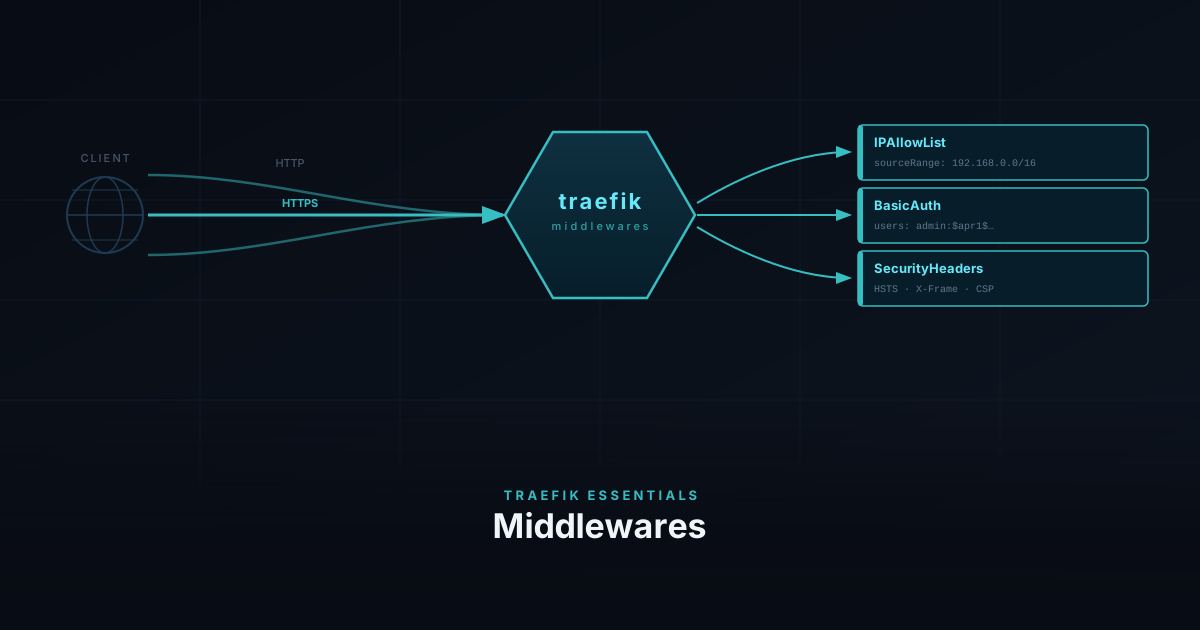
Protect your homelab services with IPAllowList, BasicAuth, and security headers, then use the same middlewares to lock down the Traefik dashboard and query its API from the terminal.
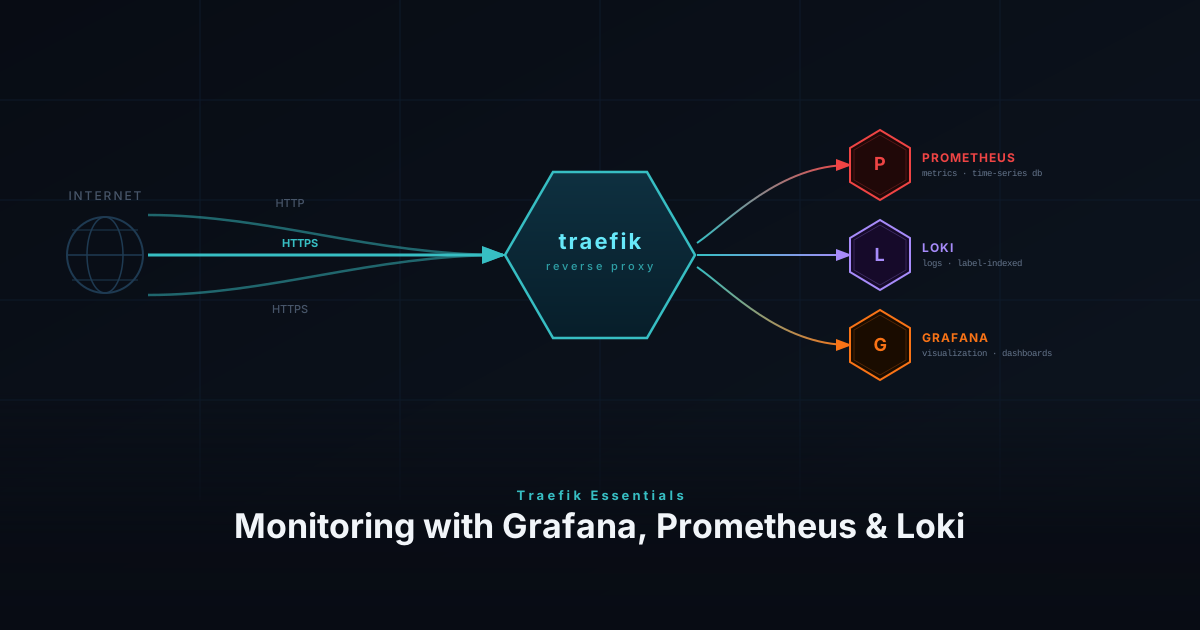
Monitor your Traefik reverse proxy with Prometheus metrics, Loki access logs, and Grafana dashboards for full request-level observability.
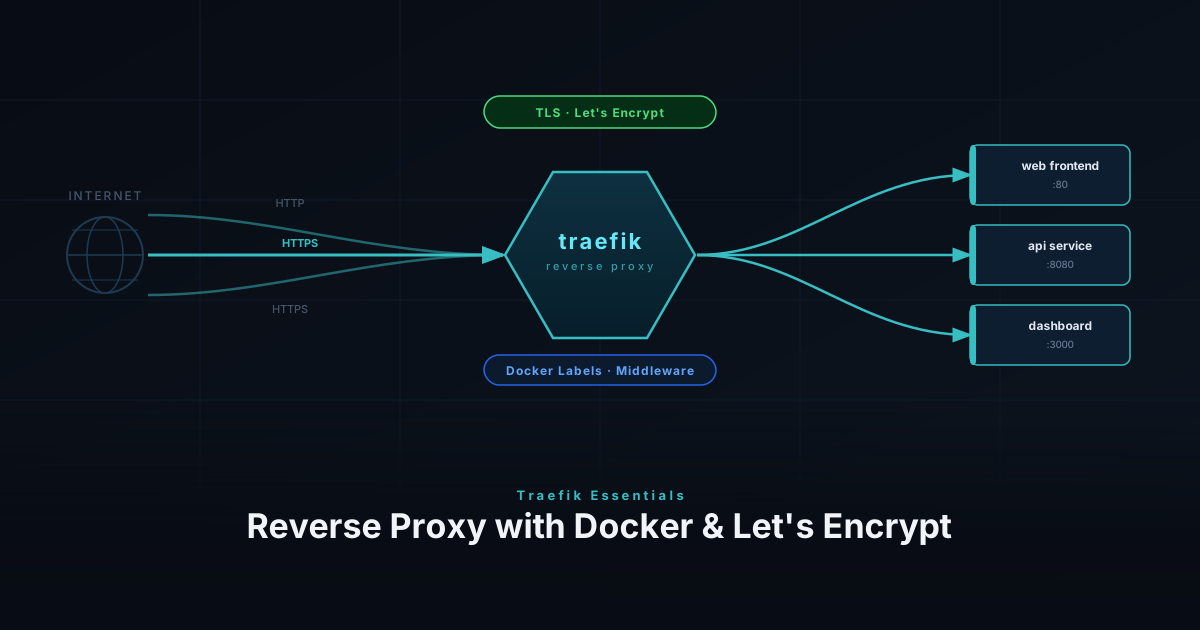
Install Traefik as a reverse proxy — via Docker Compose or directly on bare metal — with automatic Let's Encrypt SSL through the Cloudflare DNS challenge.