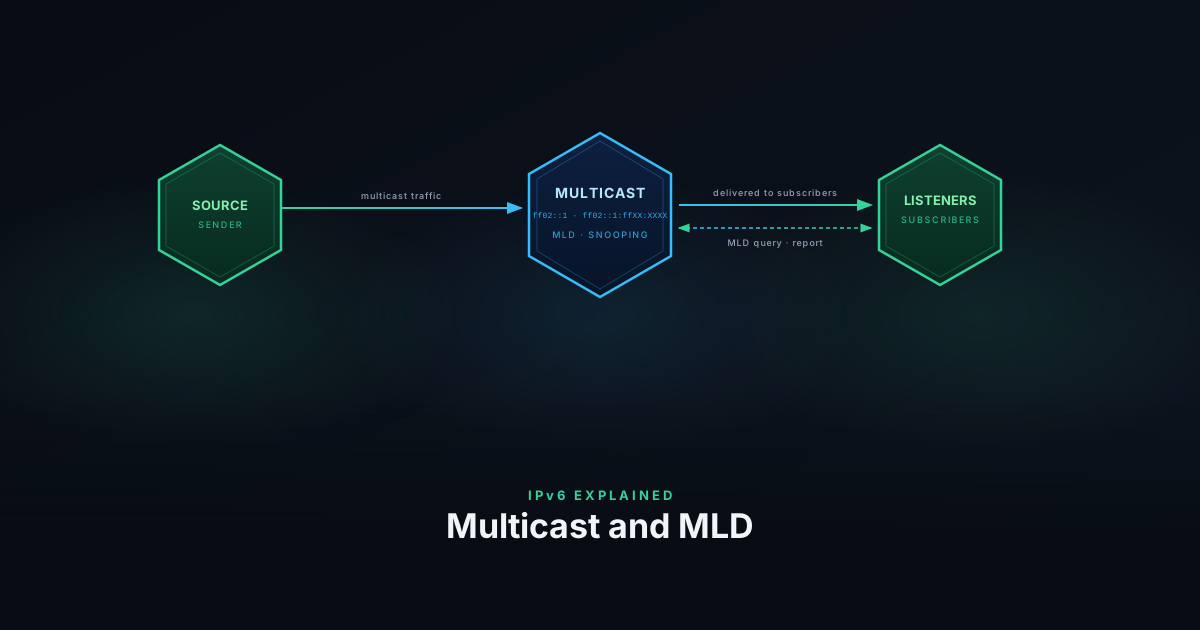
IPv6 Explained: Multicast and MLD
IPv6 eliminates broadcast and replaces it entirely with multicast. Here's how IPv6 multicast addressing works, what MLD does, and why switches need to handle it correctly for NDP to function.
6 min
ipv6

IPv6 eliminates broadcast and replaces it entirely with multicast. Here's how IPv6 multicast addressing works, what MLD does, and why switches need to handle it correctly for NDP to function.
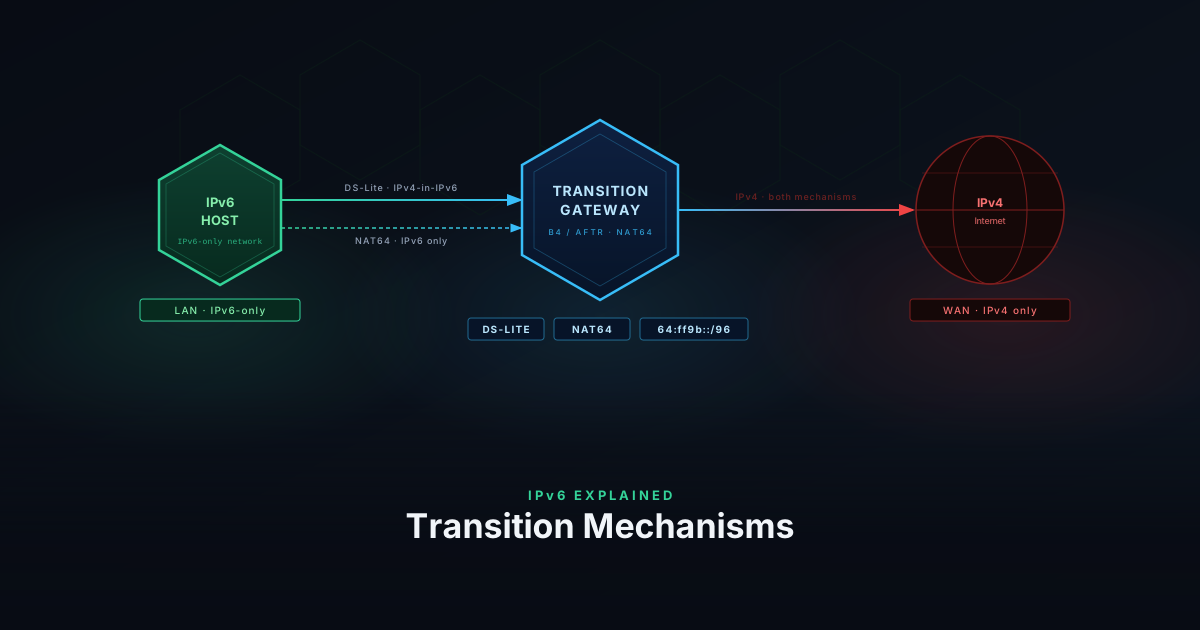
Not every network can go full dual-stack overnight. DS-Lite, NAT64, and 464XLAT are the mechanisms ISPs and operators use to keep IPv4 working while moving to IPv6.
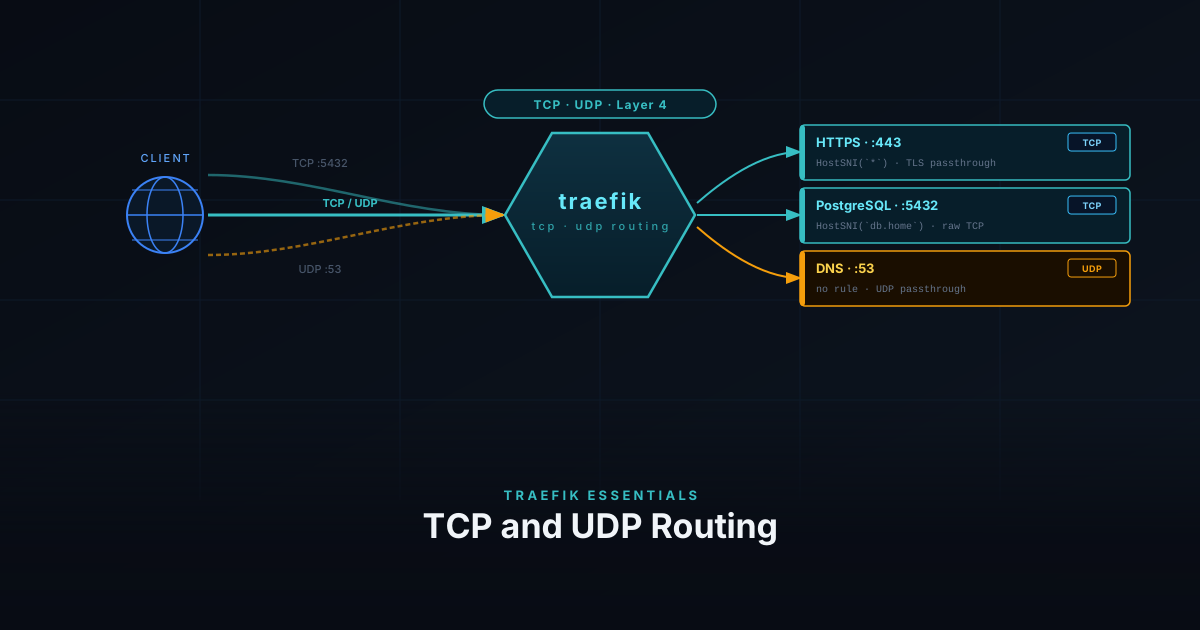
Traefik isn't just for HTTP — it can route raw TCP and UDP traffic too. This guide covers how to expose non-HTTP services like databases, game servers, and DNS through Traefik.
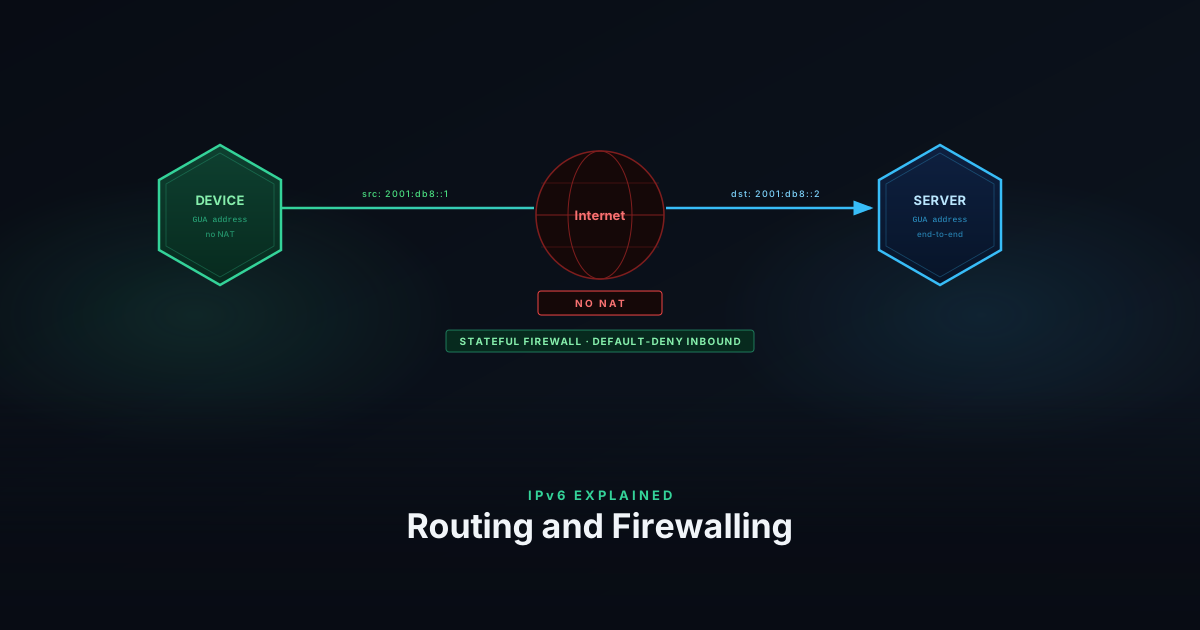
ISPs delegate an entire prefix block to your router — not a single address. Here's how DHCPv6-PD works, how routing and firewalling work without NAT, and how RA Guard, DHCPv6 Guard, and ND Inspection lock down the link layer against rogue RAs and neighbor-cache attacks.
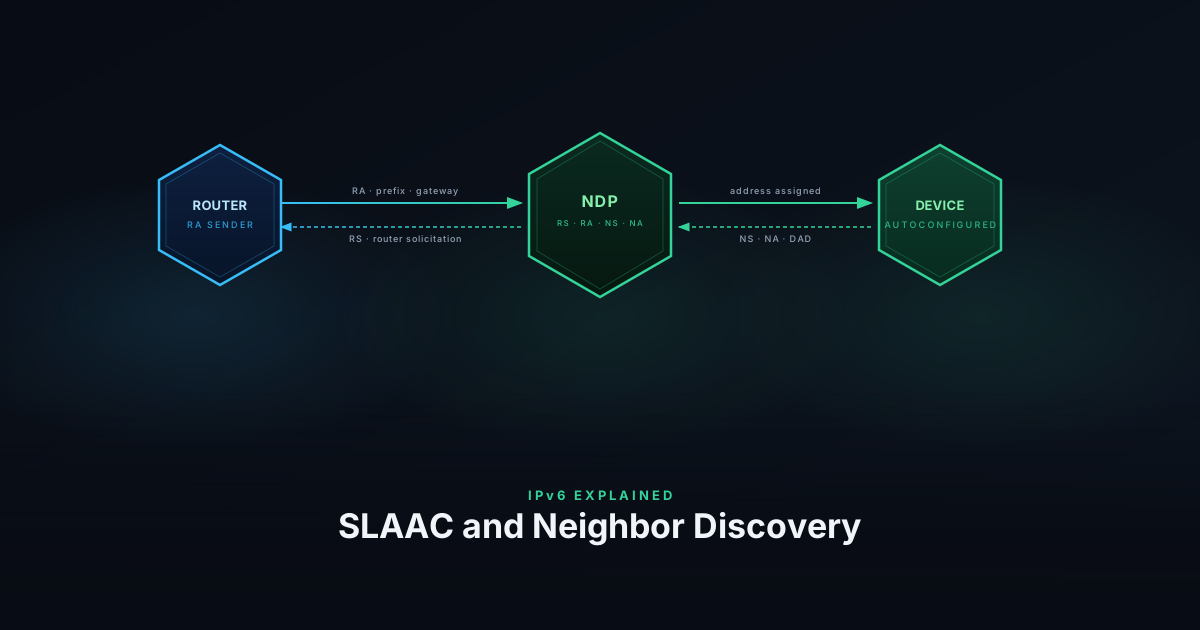
IPv6 replaces ARP with NDP and lets devices configure addresses without a server. Here's how Neighbor Discovery, SLAAC, and DHCPv6 work together.
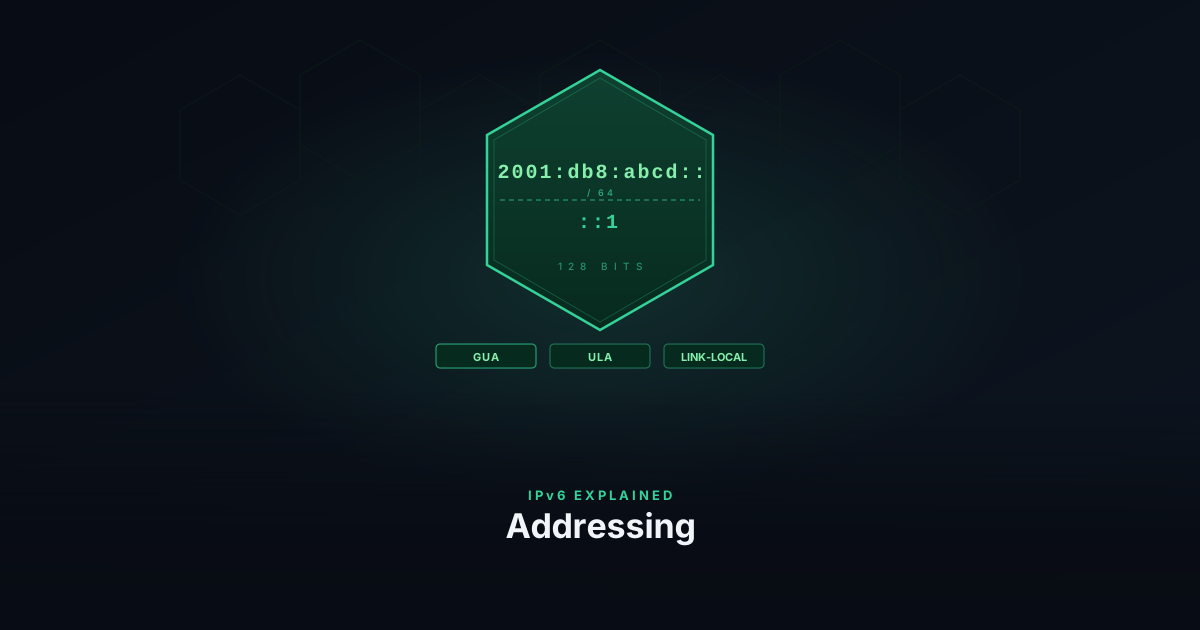
IPv6 replaces 32-bit addresses with 128-bit ones — but the change goes deeper than size. Here's how IPv6 addresses are structured, what the different types mean, and how subnetting works.
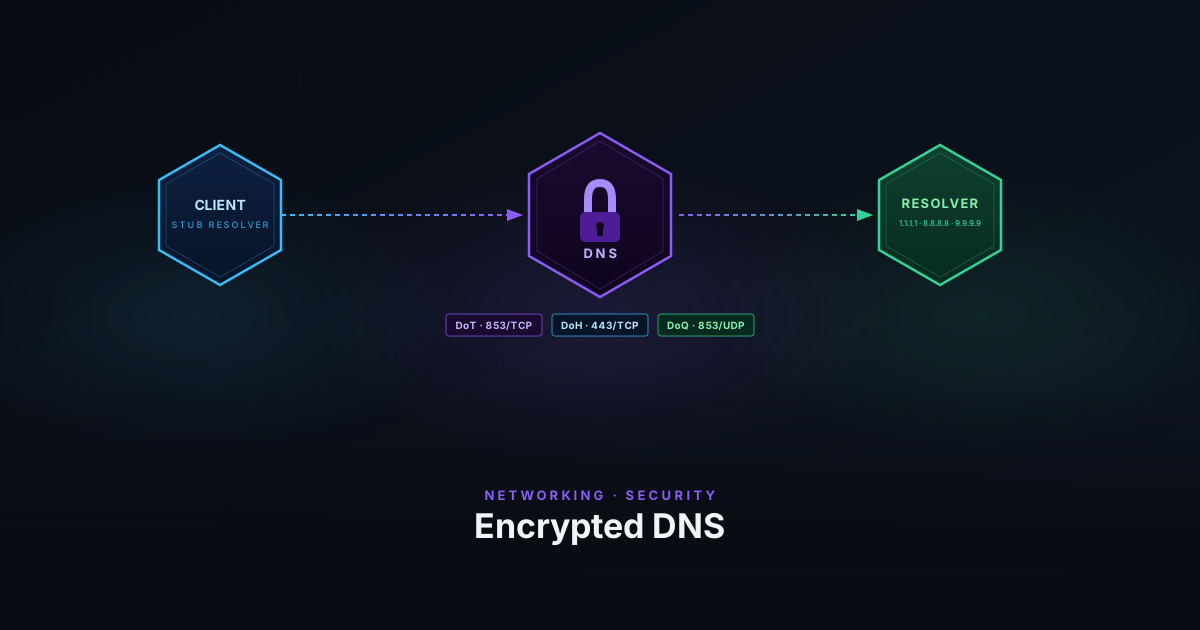
Unencrypted DNS leaks every domain you visit to your ISP and any on-path observer. Here's how DNS-over-TLS, DNS-over-HTTPS, and DNS-over-QUIC fix that — and how they differ.
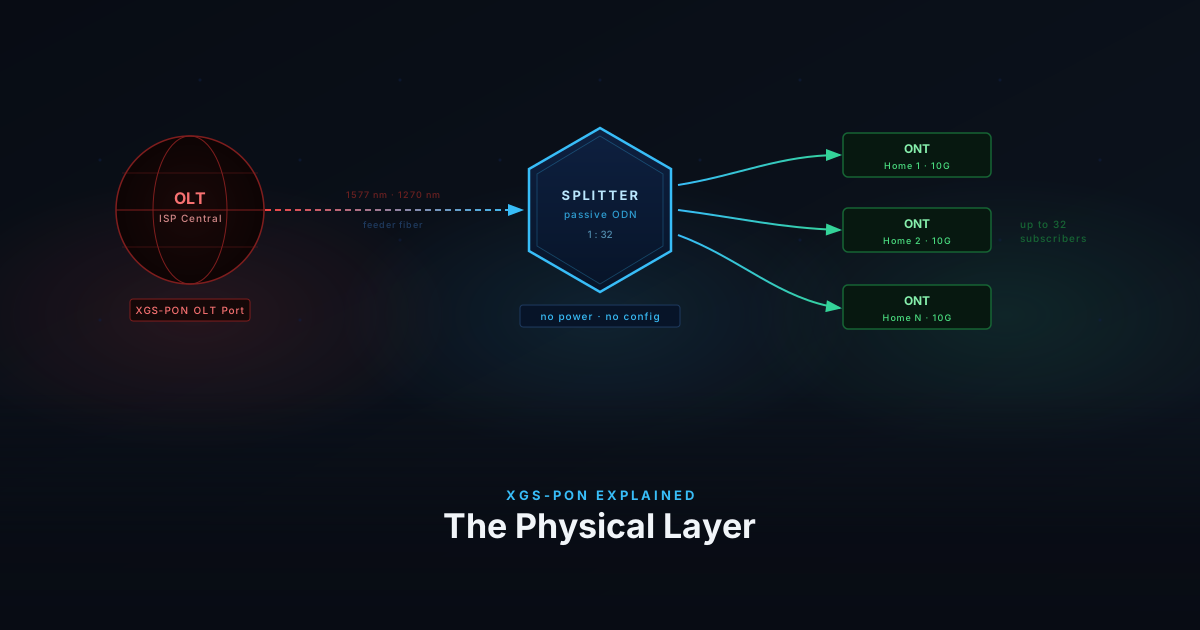
XGS-PON is the 10-gigabit symmetric fiber standard behind most new FTTH deployments. This post covers the full stack — physical architecture, wavelength multiplexing, upstream TDMA, PLOAM registration, GEM port encapsulation, T-CONT QoS, and dynamic bandwidth allocation.
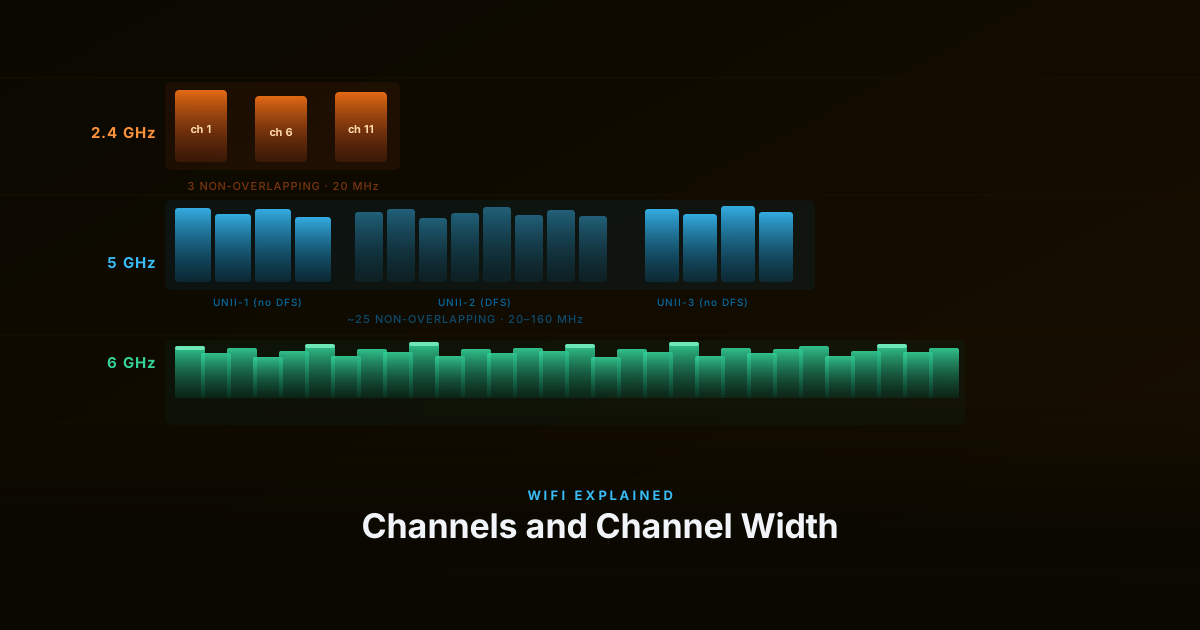
Three settings that most people leave on auto — and shouldn't. Here's what transmit power, channel width, and channel selection actually do, and how they interact.
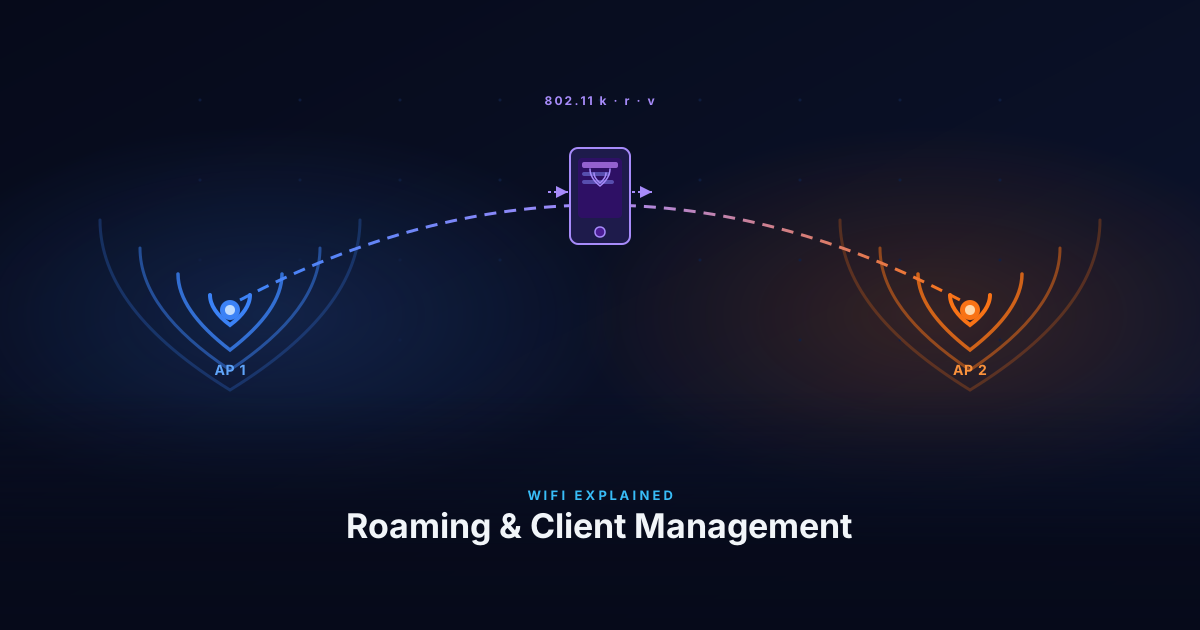
Sticky clients, band steering, and why 802.11k/r/v are the right tools. How APs guide clients between radios and access points — and what to do when the defaults cause problems.
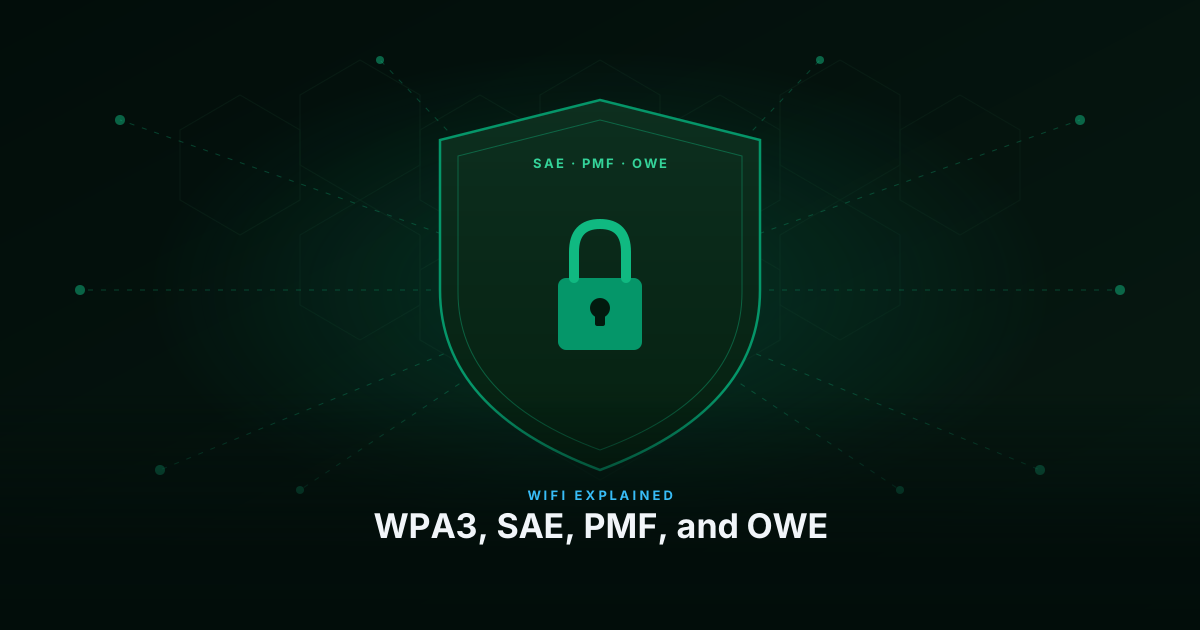
WPA3 fixes real weaknesses in WPA2 — but not the ones most people think. Here's what SAE, Protected Management Frames, and OWE actually do under the hood.
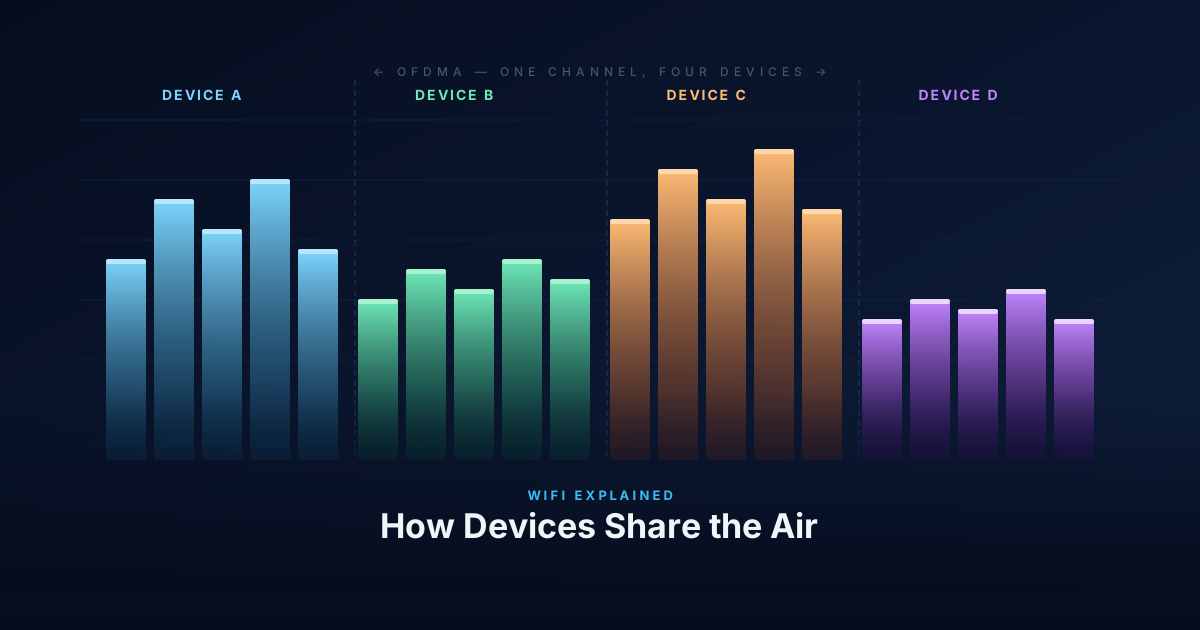
WiFi is a shared medium — every device on a channel competes for the same airtime. Here's how CSMA/CA and EDCA manage that contention, how OFDMA in WiFi 6 changes the model, how WiFi 7 pushes further with Multi-RU and Preamble Puncturing, and how Multi-Link Operation lets a WiFi 7 client use several bands as one logical link.
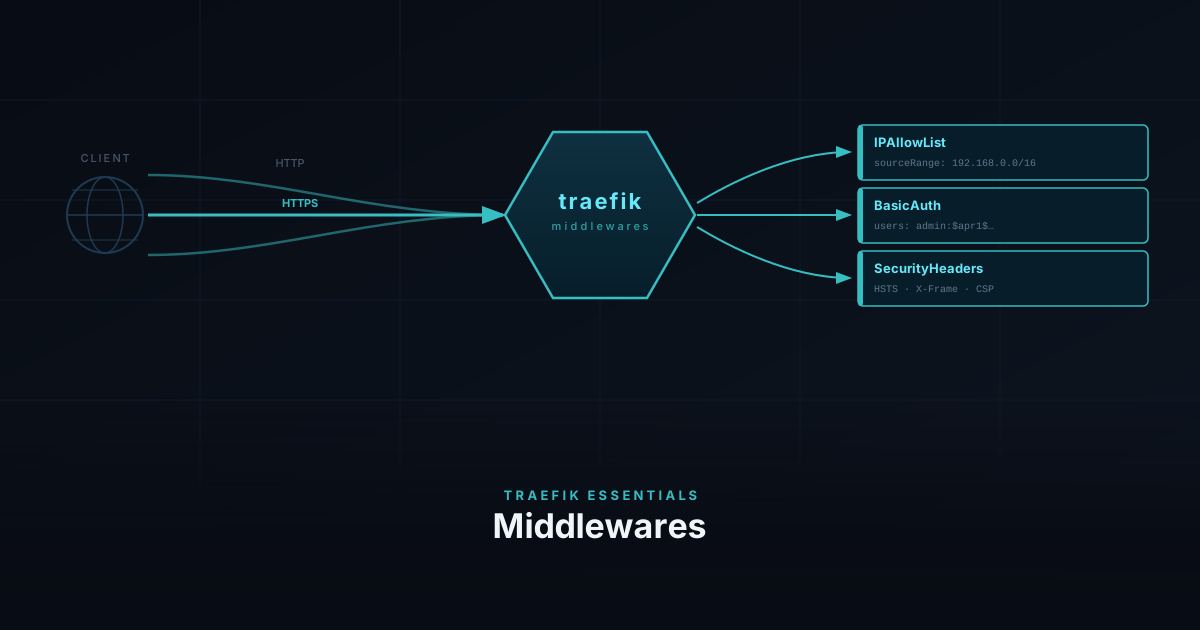
Protect your homelab services with IPAllowList, BasicAuth, and security headers, then use the same middlewares to lock down the Traefik dashboard and query its API from the terminal.
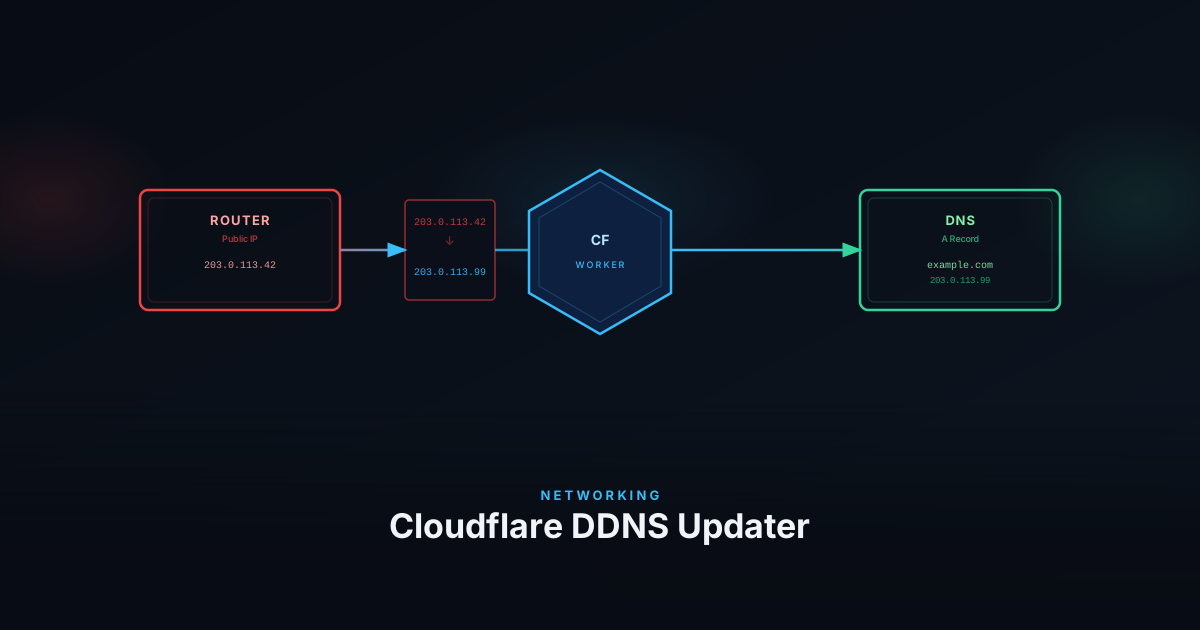
Keep your Cloudflare DNS records in sync with your dynamic home IP using a Cloudflare Worker — no third-party DDNS service required.
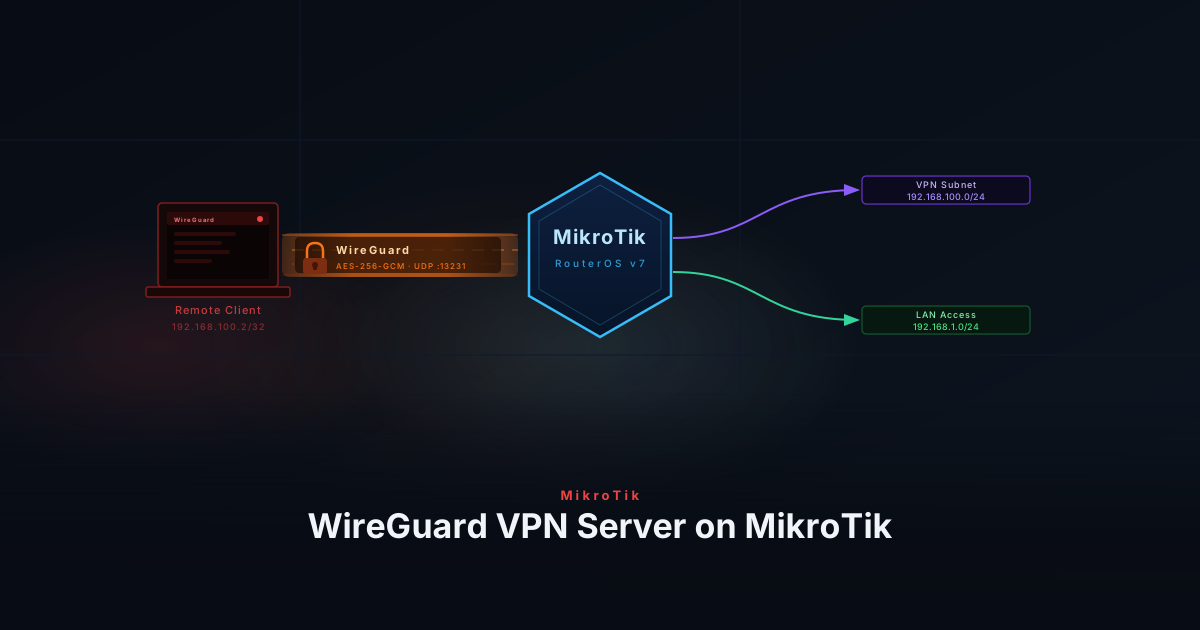
Configure a WireGuard VPN server on a MikroTik router to enable secure, encrypted remote access to your homelab network from any device.
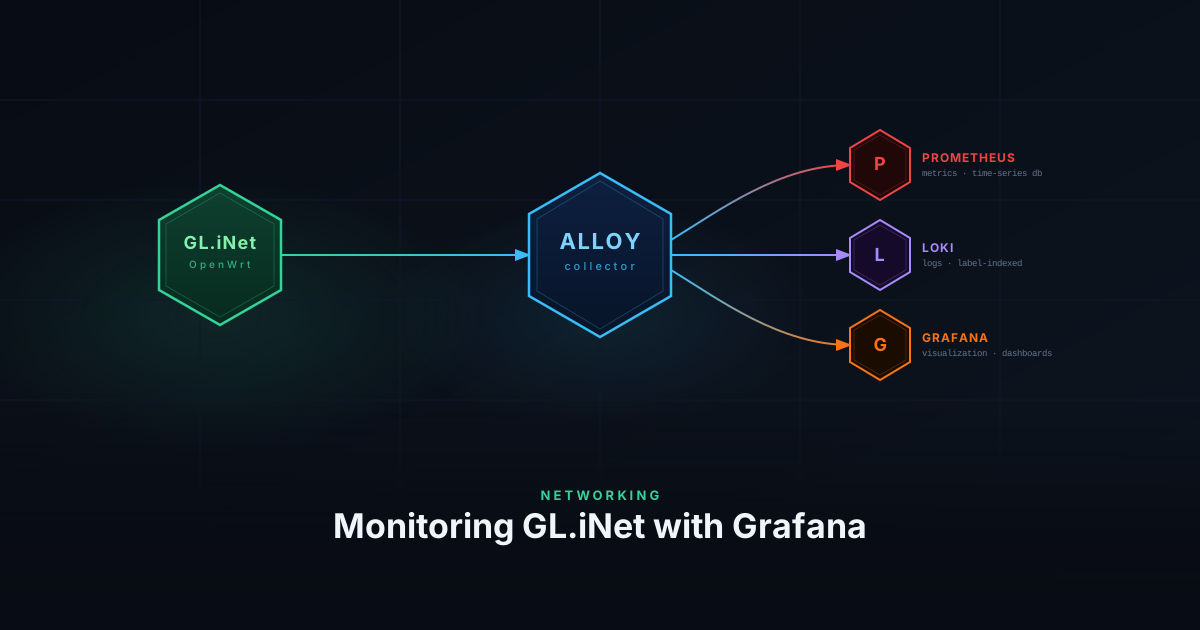
Monitor your GL.iNet OpenWRT router with Prometheus node metrics and Grafana Alloy to forward syslog events to Loki for full observability.
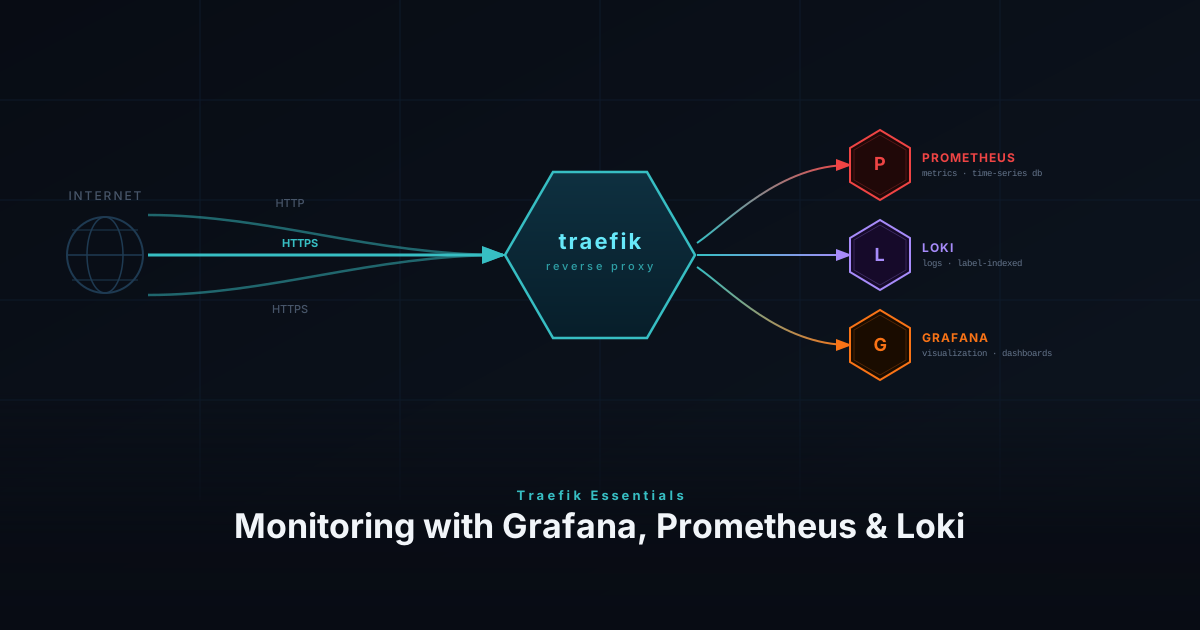
Monitor your Traefik reverse proxy with Prometheus metrics, Loki access logs, and Grafana dashboards for full request-level observability.
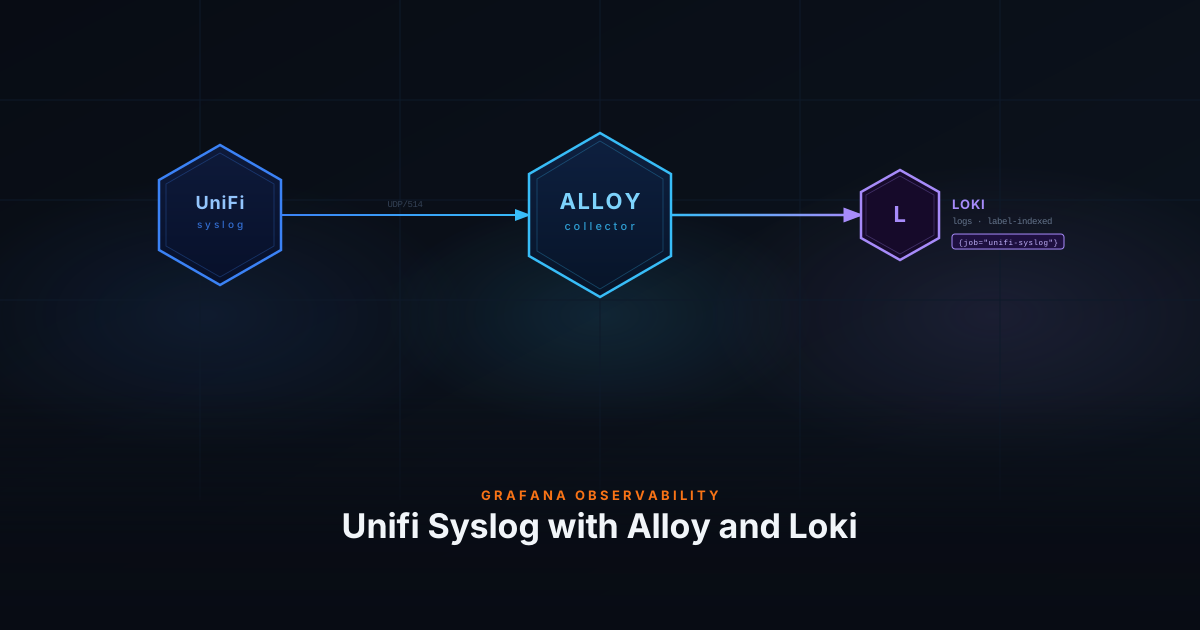
Forward UniFi syslog events to Loki using Grafana Alloy for centralized log collection and analysis in your homelab observability stack.
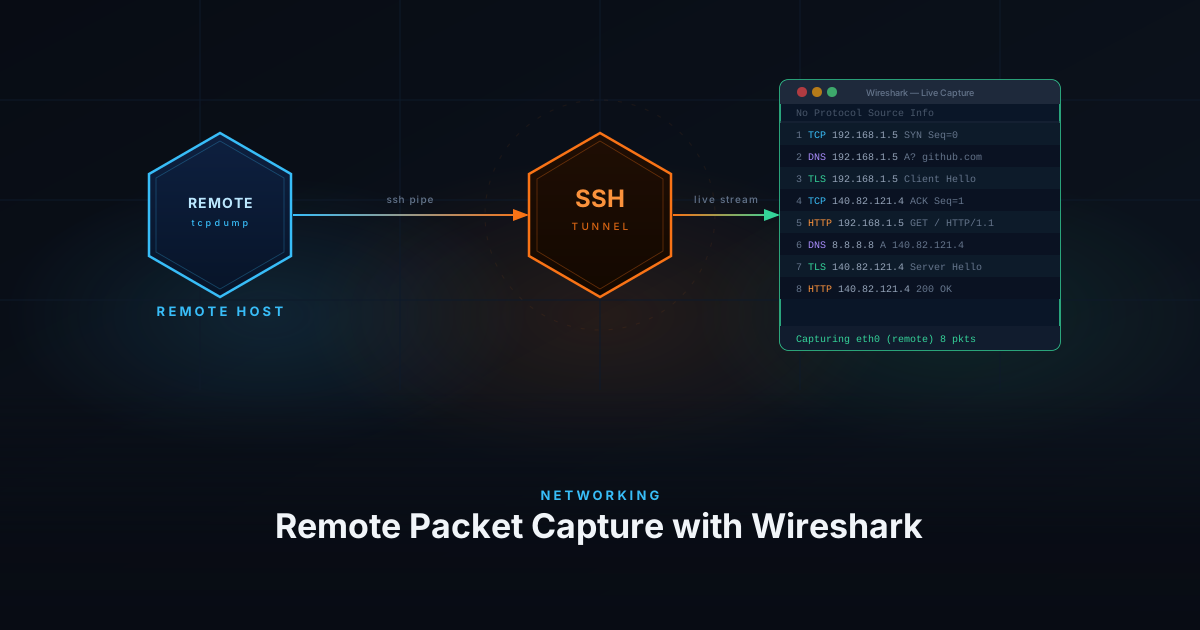
Capture network packets remotely using Wireshark over SSH — no local install needed on the target host, ideal for homelab troubleshooting.
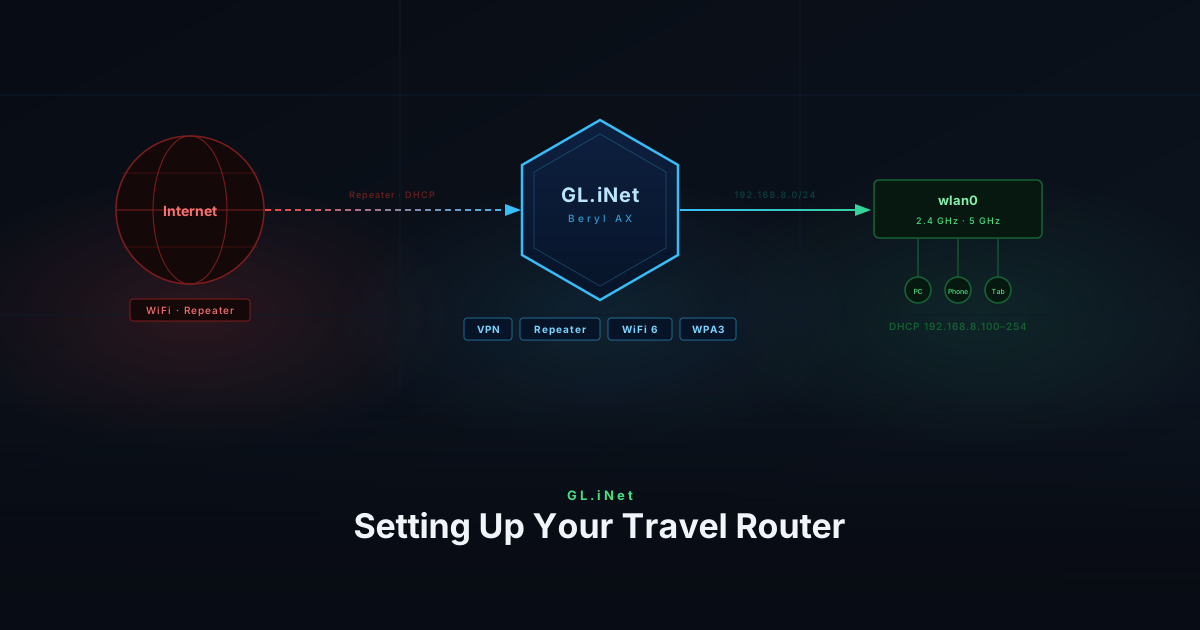
Configure your travel router for secure, reliable internet on the go — covering VPN setup, Wi-Fi settings, and network isolation for public networks.
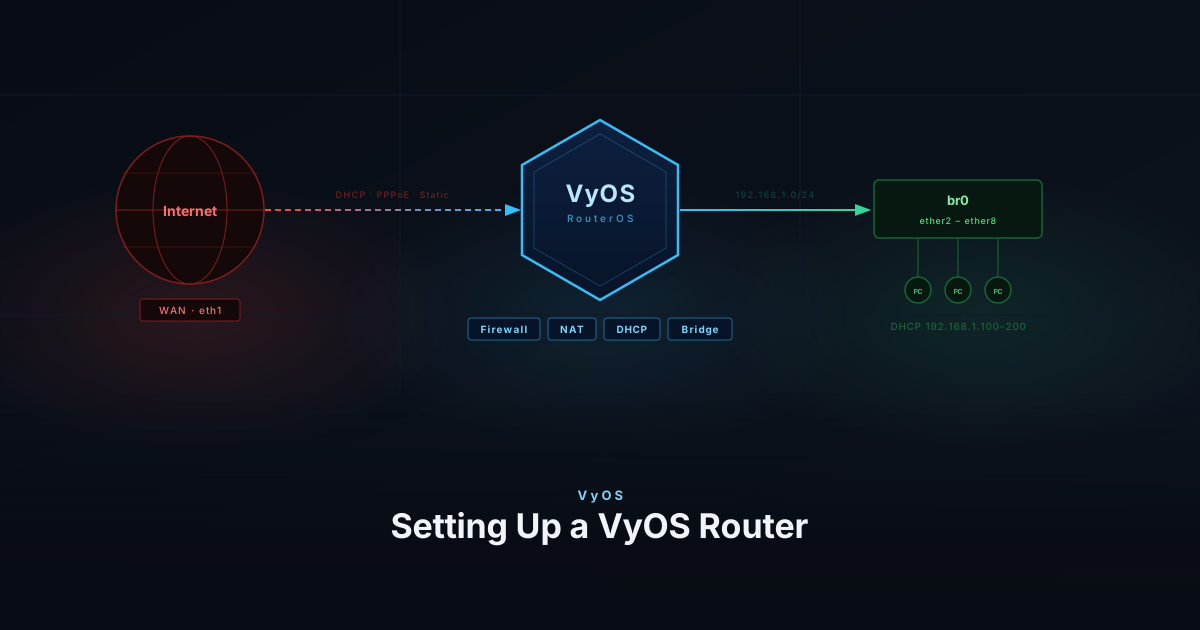
Set up a VyOS router for your home network with full control over firewall rules, VLANs, and routing — enterprise-grade networking, open-source.
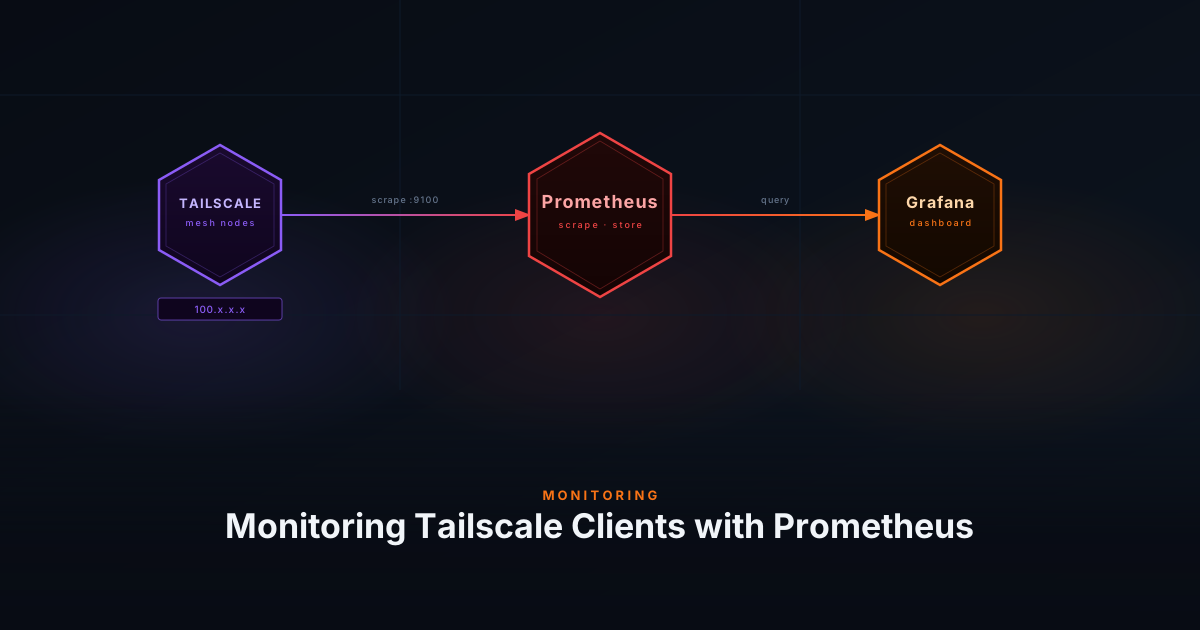
Monitor Tailscale client traffic and connection metrics using Prometheus to gain real-time visibility into your secure overlay network.
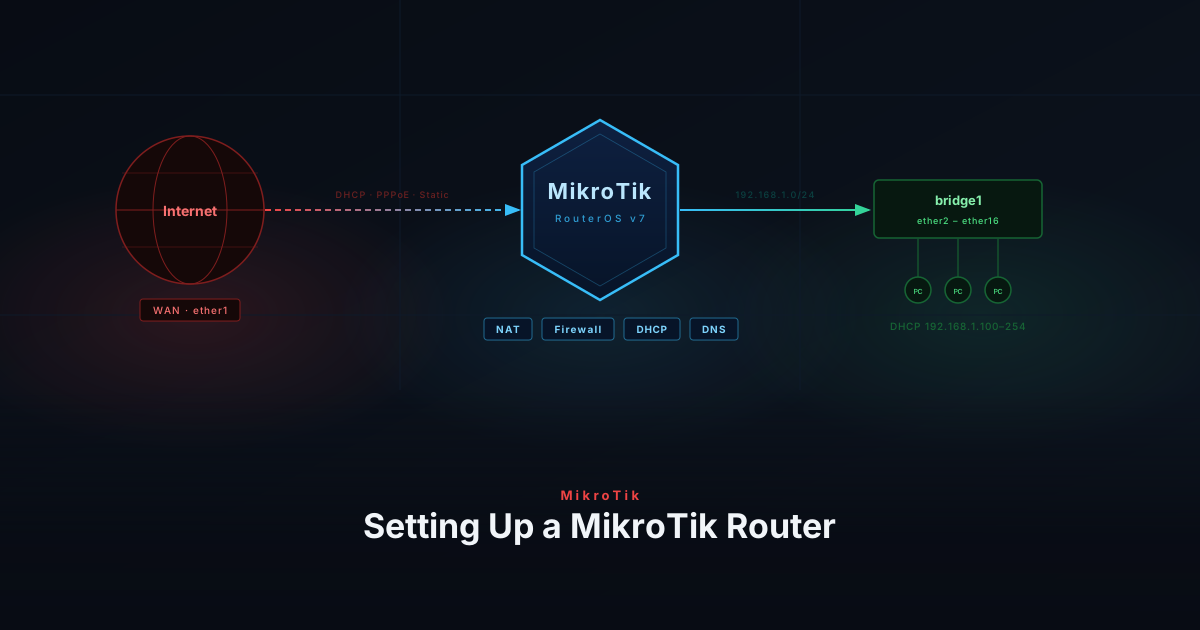
Configure a MikroTik router from scratch for your homelab — covering initial setup, VLANs, firewall rules, and DHCP for a secure network.
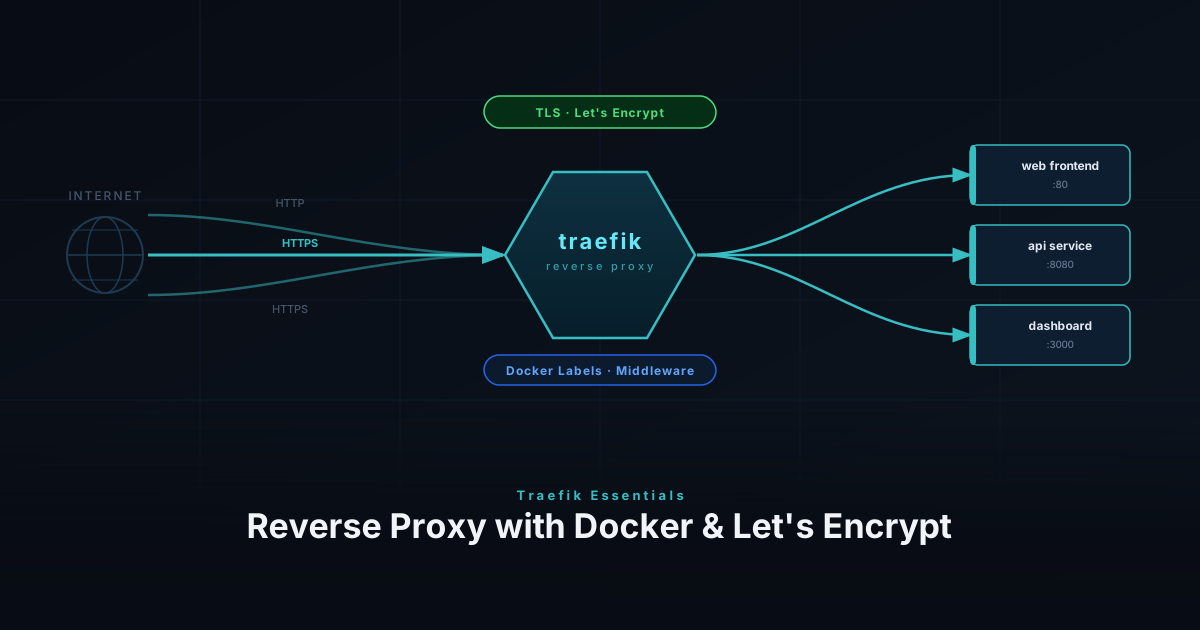
Install Traefik as a reverse proxy — via Docker Compose or directly on bare metal — with automatic Let's Encrypt SSL through the Cloudflare DNS challenge.